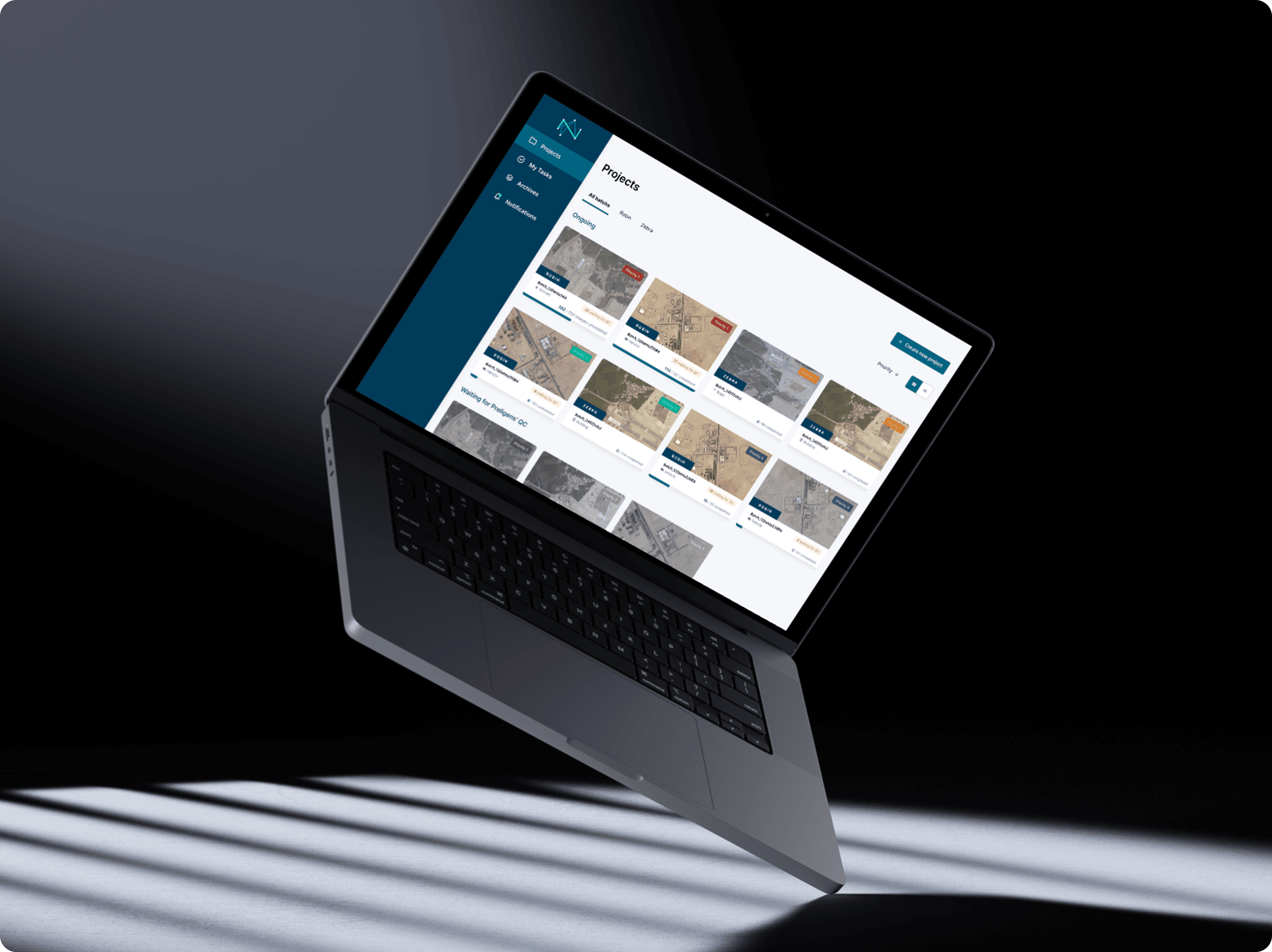
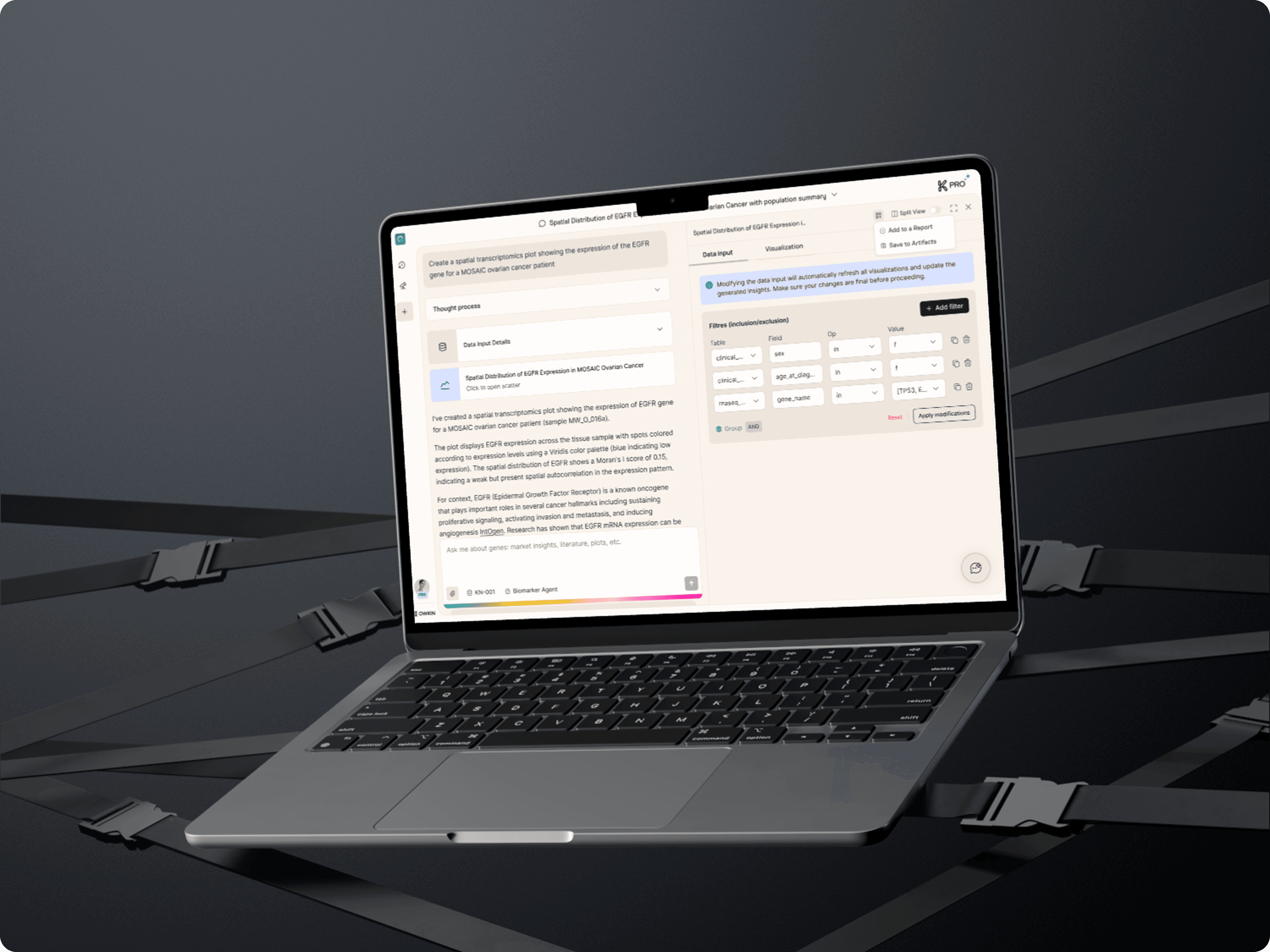
Turn your AI into a product people trust.
Users don’t care that your product contains AI. They care that it works. We design the whole product, from research to UI and design system, including every moment the AI is involved: so people know when to trust it, how to steer it, and how to check what it did. For product teams building on AI whose users don’t rely on it yet.
01
Good AI, low adoption
The AI works on paper. In practice, users double-check everything, or stop checking at all. A score with no context, a chart with no data behind it: nothing tells them which. Both are expensive.
02
AI bolted on
The AI sits next to the work instead of inside it: a chat panel here, a score there. People switch tools, copy and paste, and the product never feels like one.
03
Every result needs a why
People need to see what data the AI used, and to adjust a result without regenerating the whole answer. When a customer asks why, the sources and the history should be right there.
score: 0.87
ADOPTION
People know when to trust the AI, and when to check.
We design how each result is shown, at the level the decision needs: an operator gets a clear next step, an expert the alternatives and the evidence. From the first screen, users see what the AI is good at, where it struggles and when to double-check.
WORKFLOW
AI built into the work, not next to it.
We design the whole product around the job: navigation, data, collaboration, onboarding. The AI shows up where people already work, with the data it can use and the questions it answers well, so nobody has to switch tools.
CONTROL
Change the result without starting over.
Adjust a parameter, edit the data behind a chart, correct a label or undo, right where the result is, without regenerating the whole answer, which saves time and tokens. Clear cases can go through on their own, doubtful ones reach a person. Your experts stay in charge.
TRACEABILITY
Every result can be explained, months later.
Each result keeps its sources and its history: who decided what, when, and with which version of the AI, and any result can be reproduced. When a customer asks why, you have the answer. When an audit comes, it’s already documented.
01
Understand the people, the product and the AI
Who uses the product, for which job, and where the AI helps or gets in the way. What it predicts or generates, how often it’s wrong, and what a mistake costs. We sit with your users and your data team before drawing anything.
02
Map decisions, not screens
Who acts on the output, at what moment, with how much time and at what risk. A clinician and a field analyst don’t need the same confidence display.
03
Fix the basics first
Before any AI feature: the workflow, the tools around it, whatever makes people lose work. Trust starts with a product that holds up.
04
Design the uncertainty
Confidence levels, thresholds, explanations, sources, comparison with ground truth, and every AI state: loading, partial, uncertain, wrong. Shown at the level of detail the decision needs, and no more.
05
Keep the human in the loop
Review queues, correction flows, bulk actions, escalation. The person keeps the last word on what matters, and every correction is recorded with its context.
06
Test with real outputs
Prototypes fed with what the AI actually produced, mistakes included, tested with the people who use the product. Never a caricature of the model.
Product & decision map
Who uses the product, who decides what with the AI’s output, and where it fails.
Trust patterns
Confidence, explanations, sources and history, specified as reusable patterns.
Screens & flows
Every screen and every state, including loading, partial, uncertain and wrong.
Review & correction flows
Validation queues, bulk actions, escalation and correction, end to end.
Design system
Production-ready components for the whole product, AI states included: loading, partial, uncertain, wrong.
Tested prototype
Running on real AI outputs, with findings from your users.
Tell us about your product.
Not sure where users stop trusting the AI? An audit is the easiest way in.