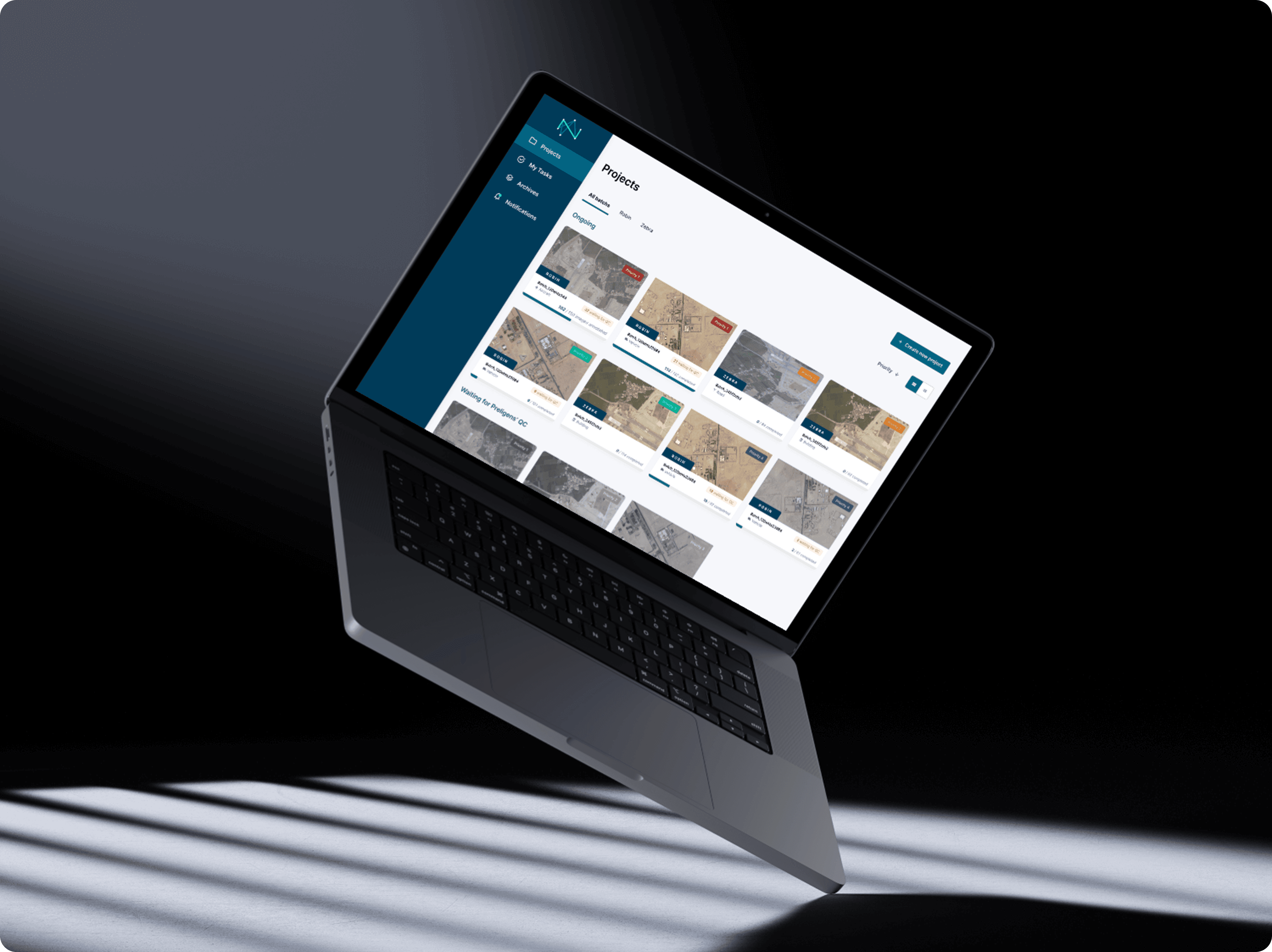
Preligens (now Safran.ai) develops computer-vision algorithms to detect and classify military equipment in satellite imagery.
I redesigned the Tagging App, the core platform used to produce high-quality labeled datasets. It was used daily by 100+ annotators across CEDIA (internal) and Ingedata (external partner).
Inefficient workflows undermining data quality
The existing tool had become a bottleneck as data volumes and AI ambitions grew.
Fragmented workflows: annotators switched between 5 tools (App, Trello, Google Earth, Excel, PDF).
No traceability: dataset versions were overwritten after quality checks.
Low efficiency: frequent crashes, no autosave, and manual QC created frustration and delays.
We spent more time switching tools than actually annotating. (Annotator, Ingedata)
Building a unified and intelligent tagging platform
I built a unified, role-based platform connecting annotators, QC leads, and data scientists in one workspace.
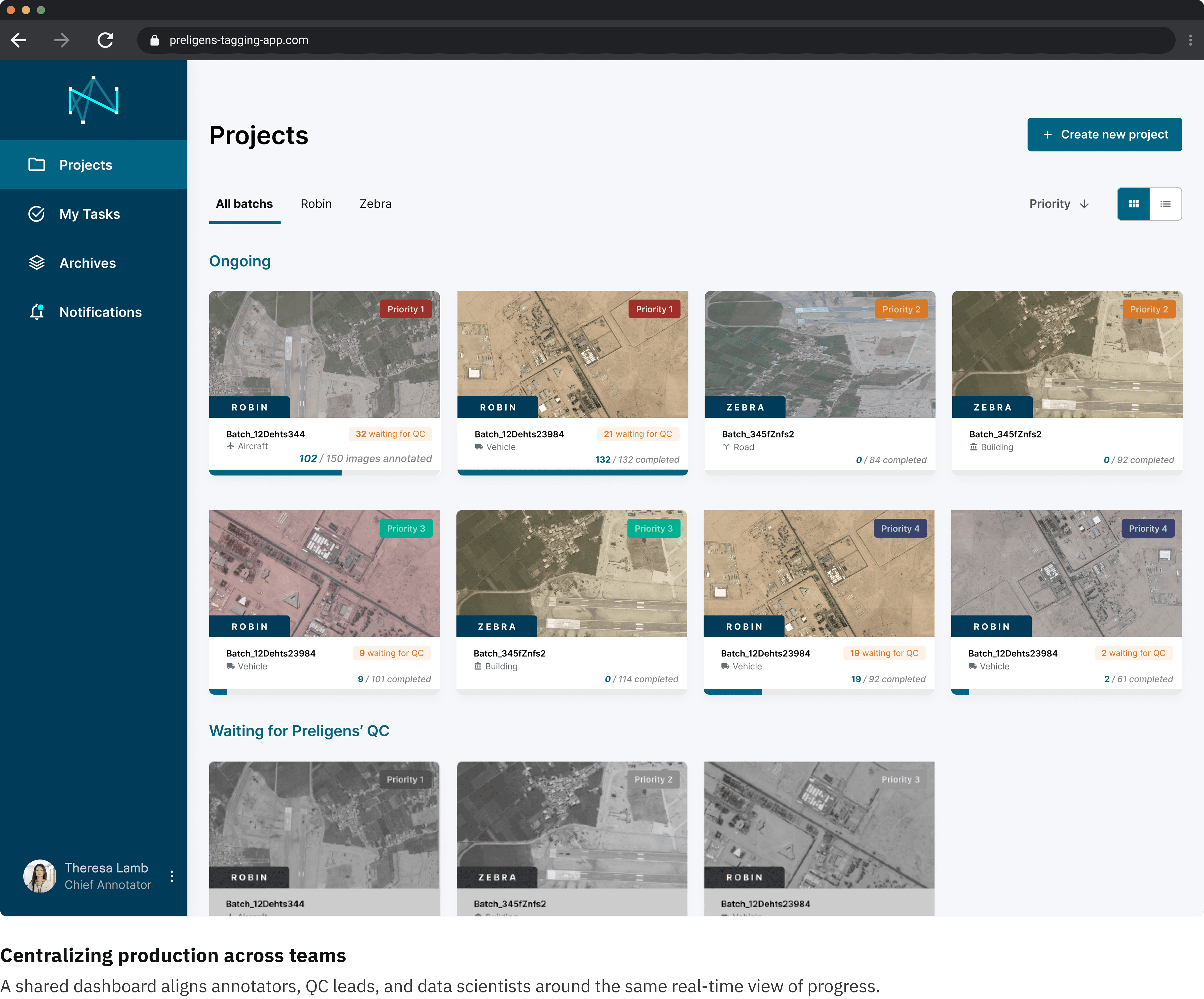
01. Unified workspace
All roles access the same secure interface with dedicated permissions.
→ Real-time batch tracking replaces Excel and Trello.
02. Editable data input view
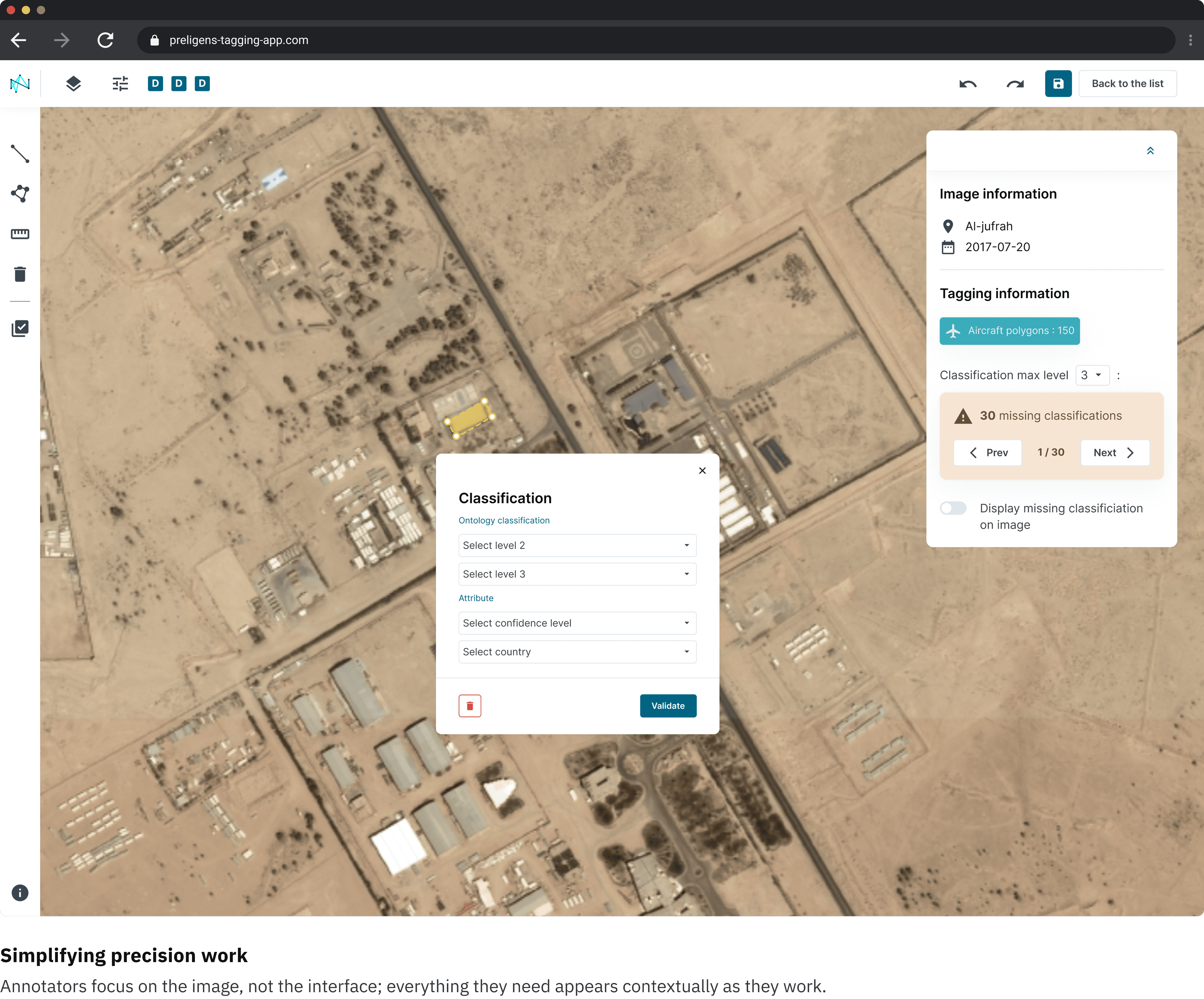
Users can visualize or modify data sources before regeneration. The layout clarifies the causal flow: Data Inputs → Visualizations.
03. Direct control on plot settings
Users can open the Plot Settings panel to refine parameters (for example selected genes or plot type) without regenerating the whole response.
A full-screen mode maximizes visual focus while keeping settings accessible.

The interface is much faster; I can focus on the image instead of fighting the tool. (Annotator, Ingedata)
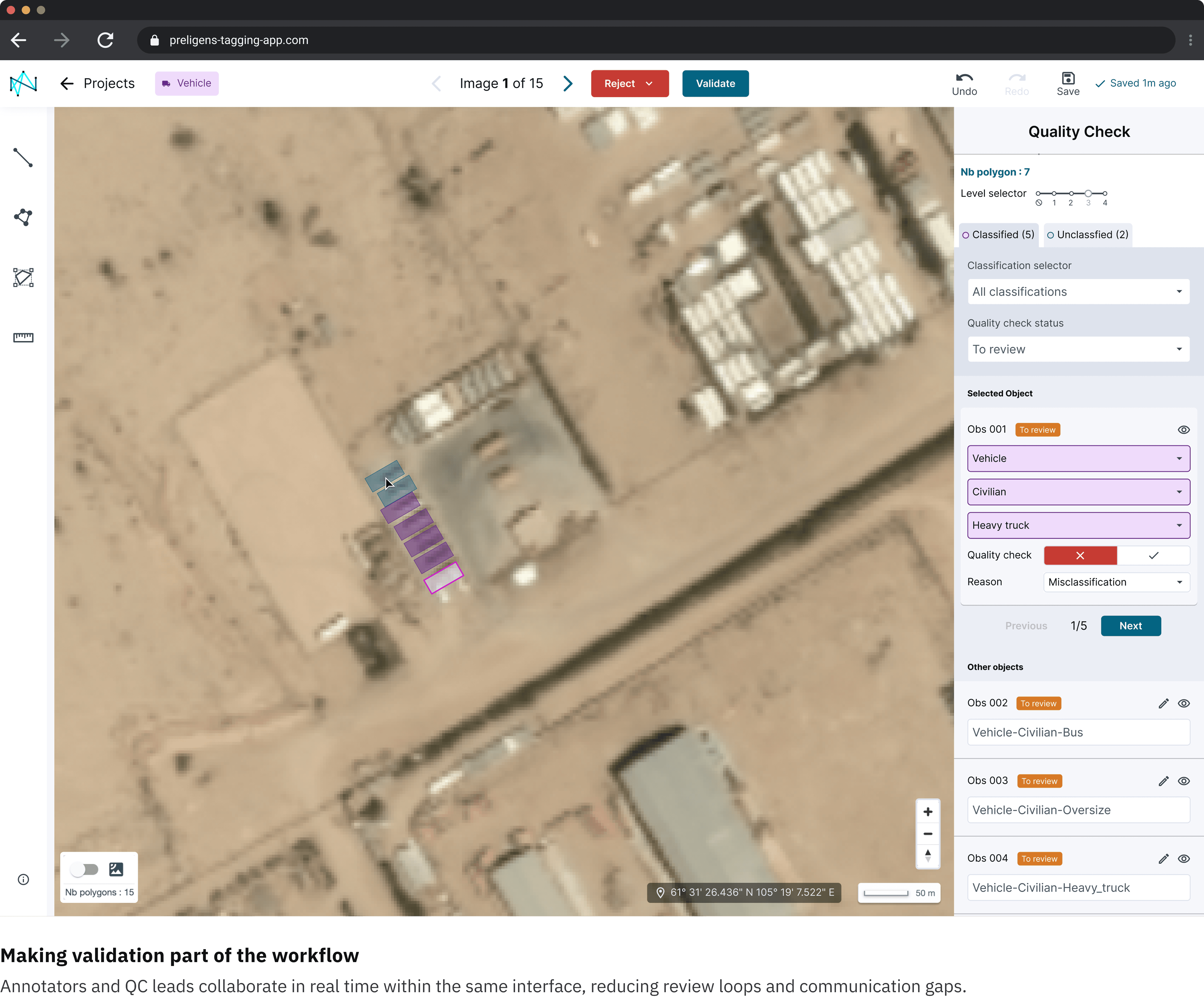
QC is finally part of our workflow, not a separate task. (QC Lead, CEDIA)
We no longer lose time between tools; everything is centralized. (Project Lead, CEDIA)